
Movement
Equidux moves with clarity and momentum. Familiar actions—browsing, choosing, and moving between ideas—shape a visual rhythm that makes each step easy to follow. Animation gives the brand energy while keeping people oriented.
Movement patterns
Discover, Respond, and Connect are the building blocks of Equidux motion. Each pattern captures a different moment: finding something new, seeing a response, or making a connection.
Use these patterns as a shared starting point across product demonstrations and brand stories. They can change in scale and pace while retaining a familiar relationship between an action and what follows.

Discover
Open up the frame to introduce new possibilities and invite a closer look.

Respond
Let the movement answer an action, with a clear connection between cause and effect.
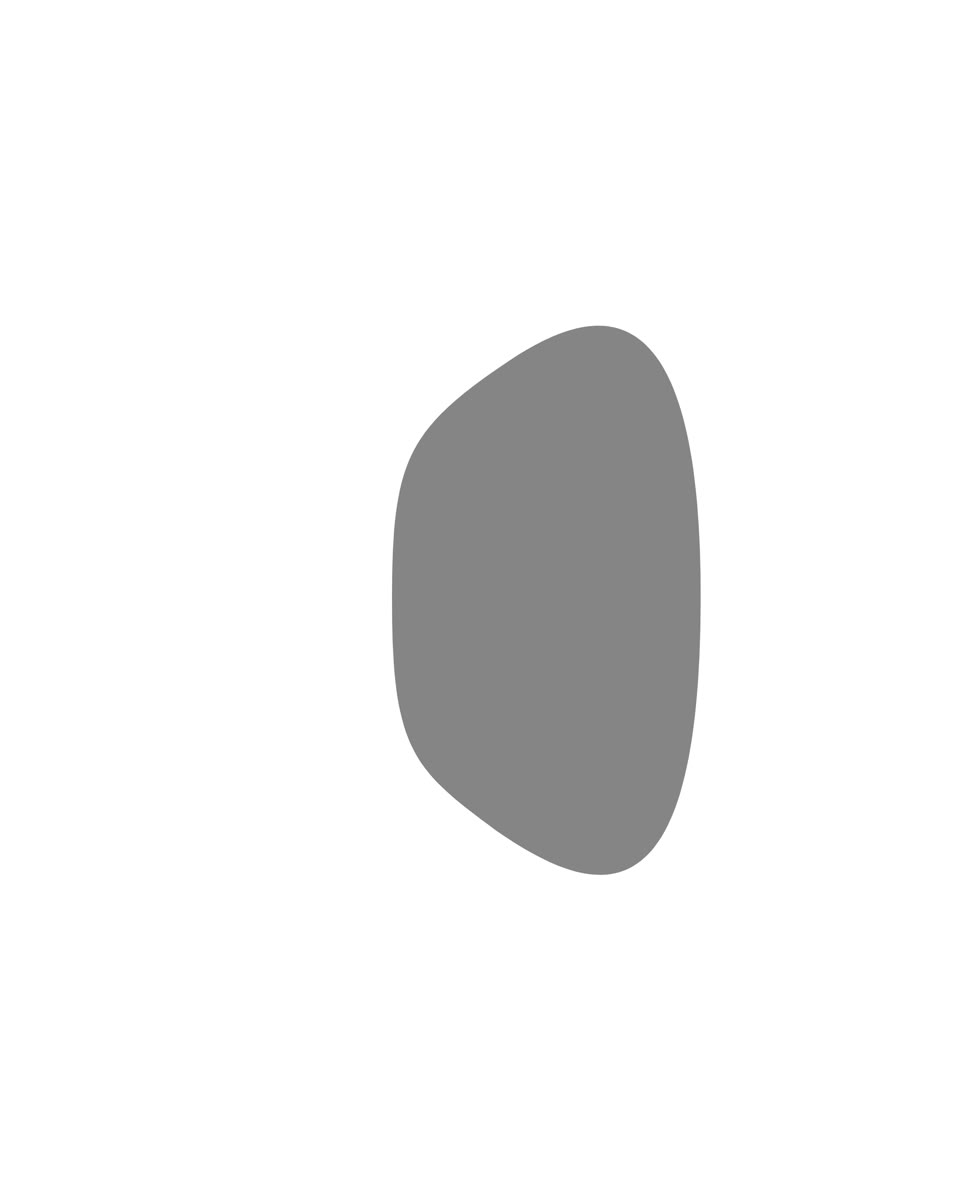
Connect
Use turns and changes in orientation to suggest a handover, a relationship, or value moving between people.
Guiding ideas
Every animation should help someone understand what is happening. These three ideas guide the timing, direction, and character of Equidux movement, from a small response to a full-screen transition.
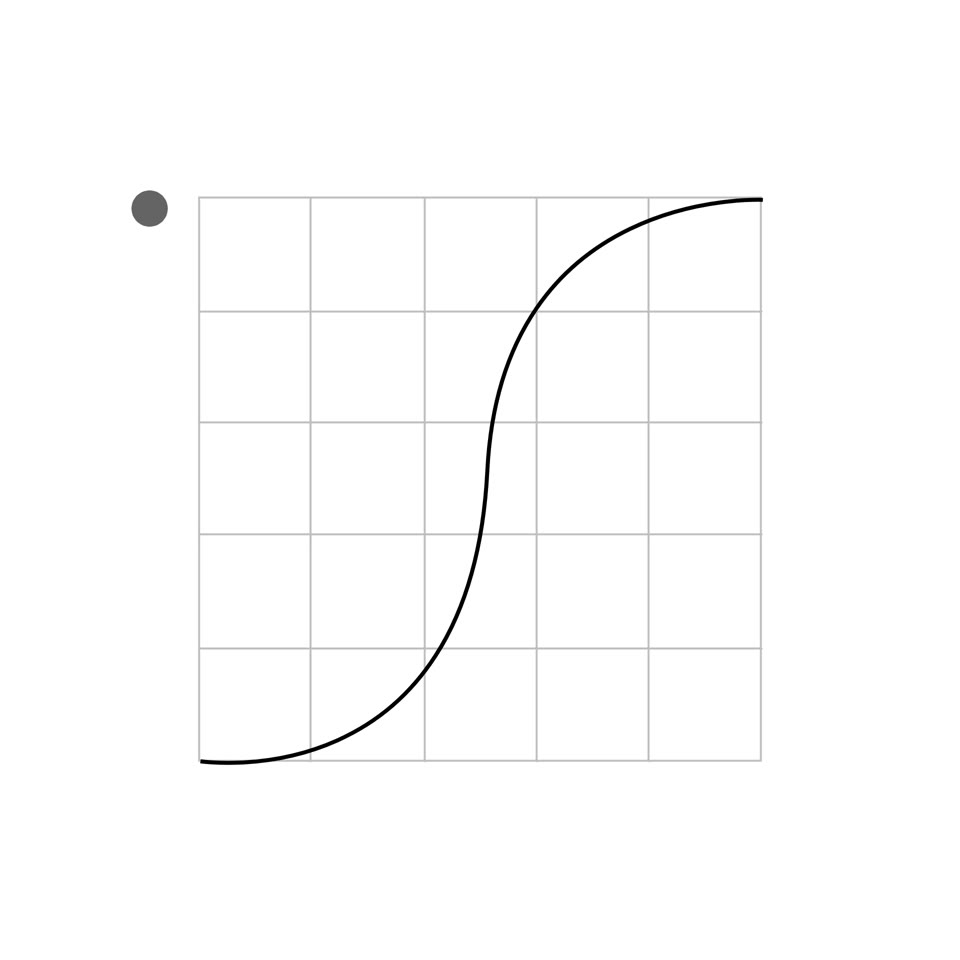
Purposeful
Give each movement a clear job. Show where attention should go, explain a change, or connect two moments. Choose a direction and pace that make sense for the action.
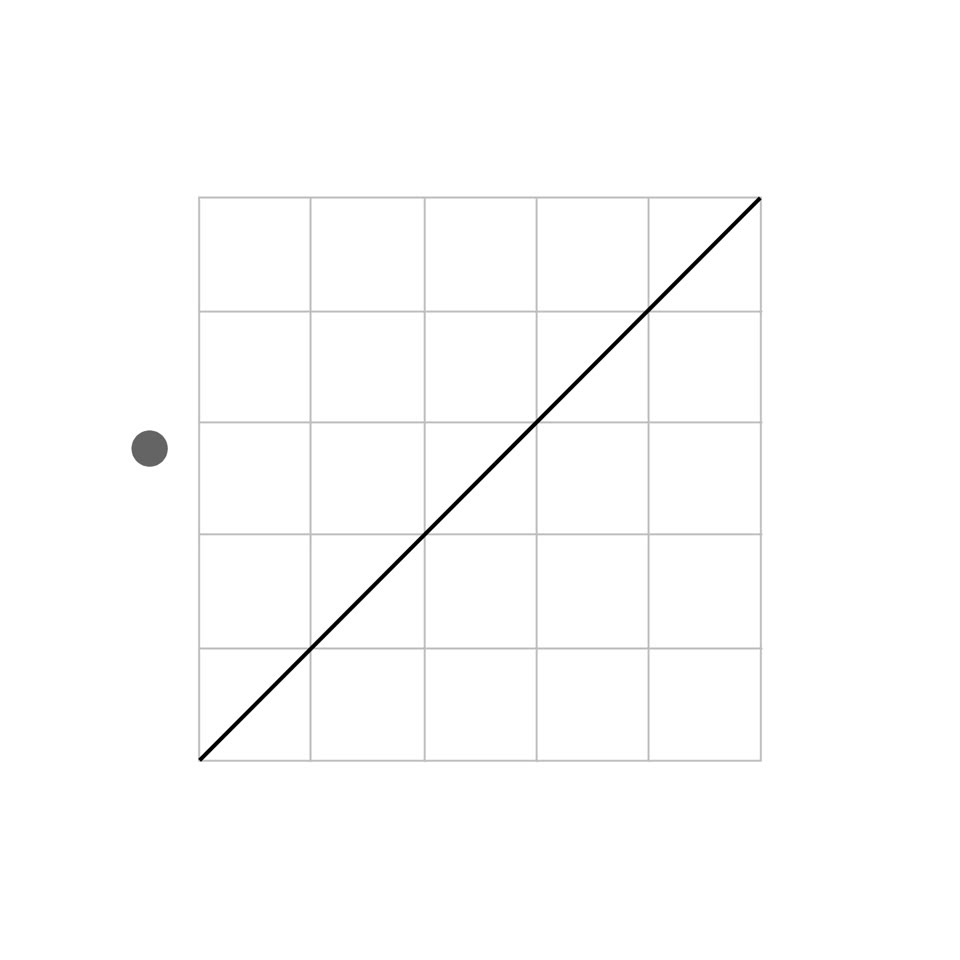
Fluid
Keep the journey easy to follow. Balanced timing and continuous movement let one state lead comfortably into the next, without an abrupt stop or a drawn-out wait.
Natural
Bring a little life to precise layouts. Soft changes in speed and shape can suggest weight and flexibility, adding character while keeping the action readable.
Moving type
Words need time and space to land. Set the rhythm around the message: introduce it clearly, hold it long enough to read, and move on when the thought is complete. Use movement to shape emphasis across headlines, short labels, and changing values.

Glide
Bring the message into view along a clear, continuous path.

Switch
Replace one message with the next in a single, decisive beat.

Stagger
Reveal words in a measured order so the sentence builds as it is read.

Focus
Give the key word a distinct moment while keeping the full thought readable.

Numbers · Step
Advance through values in distinct steps that make the change easy to track.

Numbers · Roll
Let digits travel into position to show a value moving from one amount to another.
Interface motion
When presenting an Equidux interface, build a clear story around what someone is trying to do. Use animation to connect the steps, signal an action, and show its result—even when a hand or cursor is absent. These examples guide product storytelling; they are not specifications for live interface behavior.
Screen transitions
Larger transitions establish the route through an experience. Keep the relationship between screens clear so viewers can tell where they came from, what has changed, and where the journey is heading.

State shift
Carry a familiar element through a change to keep the viewer oriented.

Forward step
Move the story forward with a clear transition to the next step.
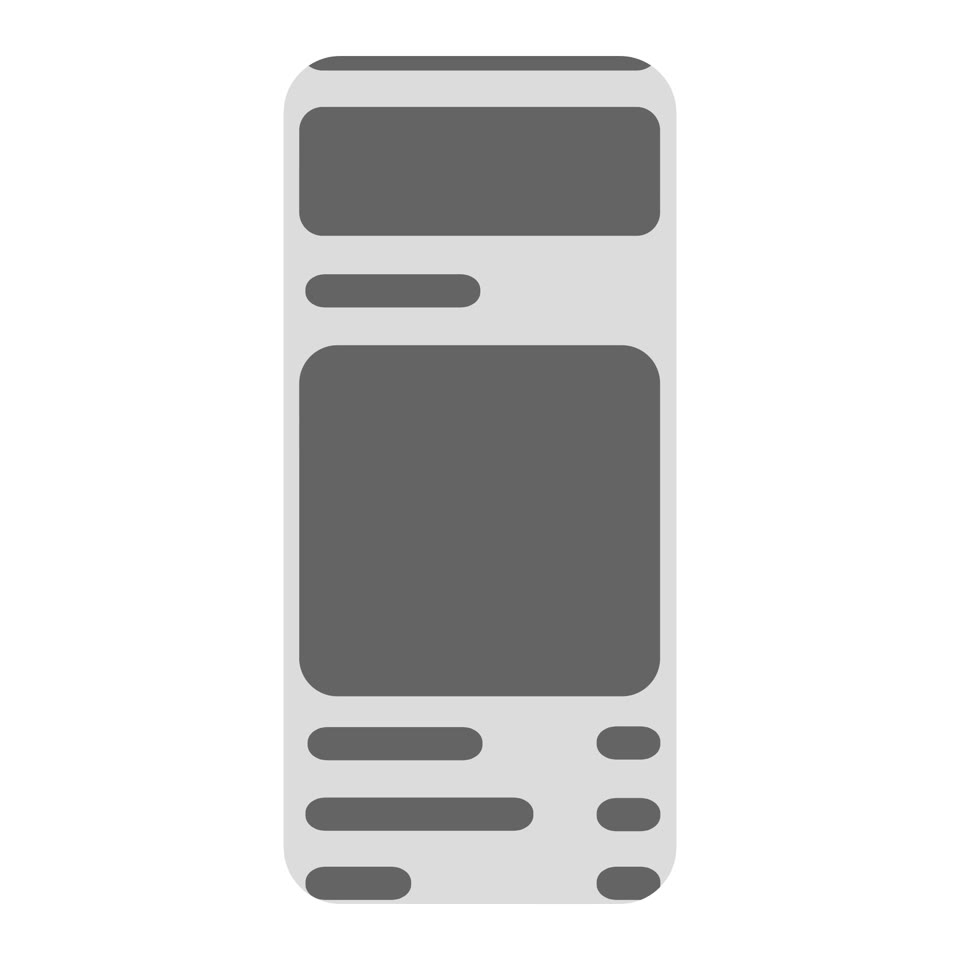
Content reveal
Reveal the next part of a screen at a pace that leaves room to read.
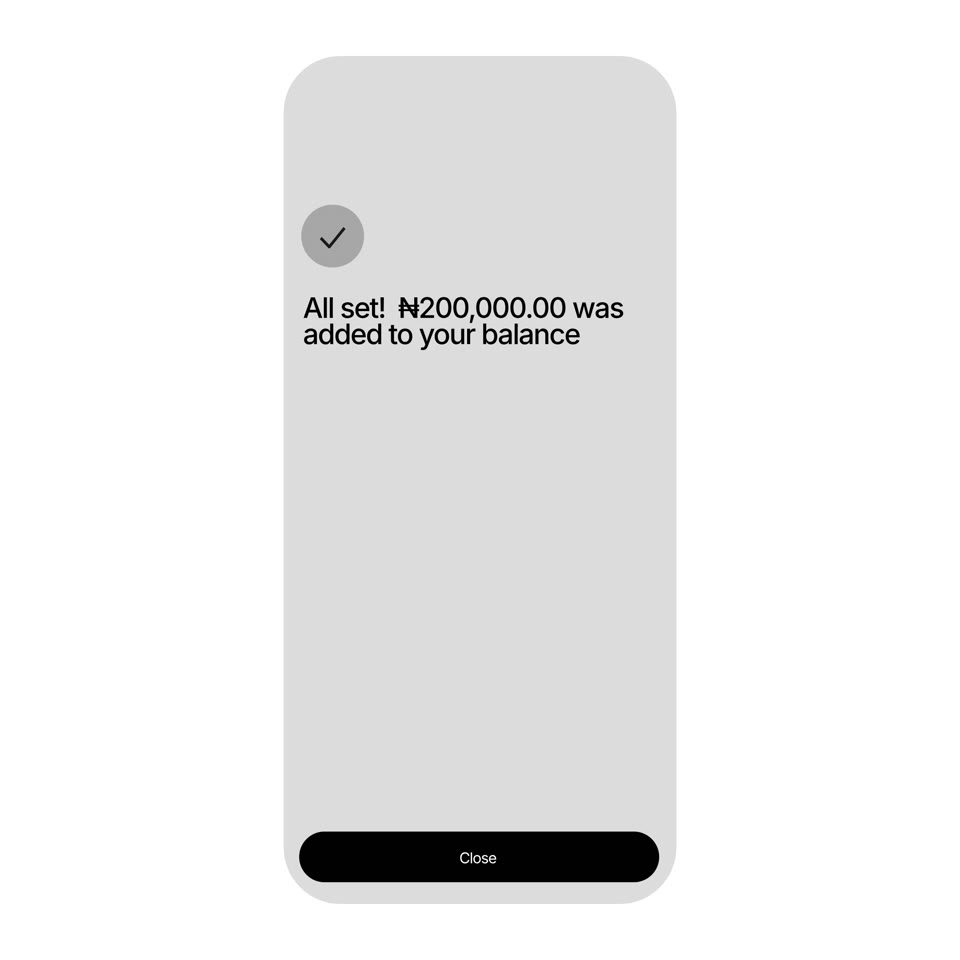
Completion
Give a finished action a clear visual response before moving on.
Control feedback
At the control level, a small visual response can explain a lot. Make it clear what was chosen, whether an action registered, and which state is now active.
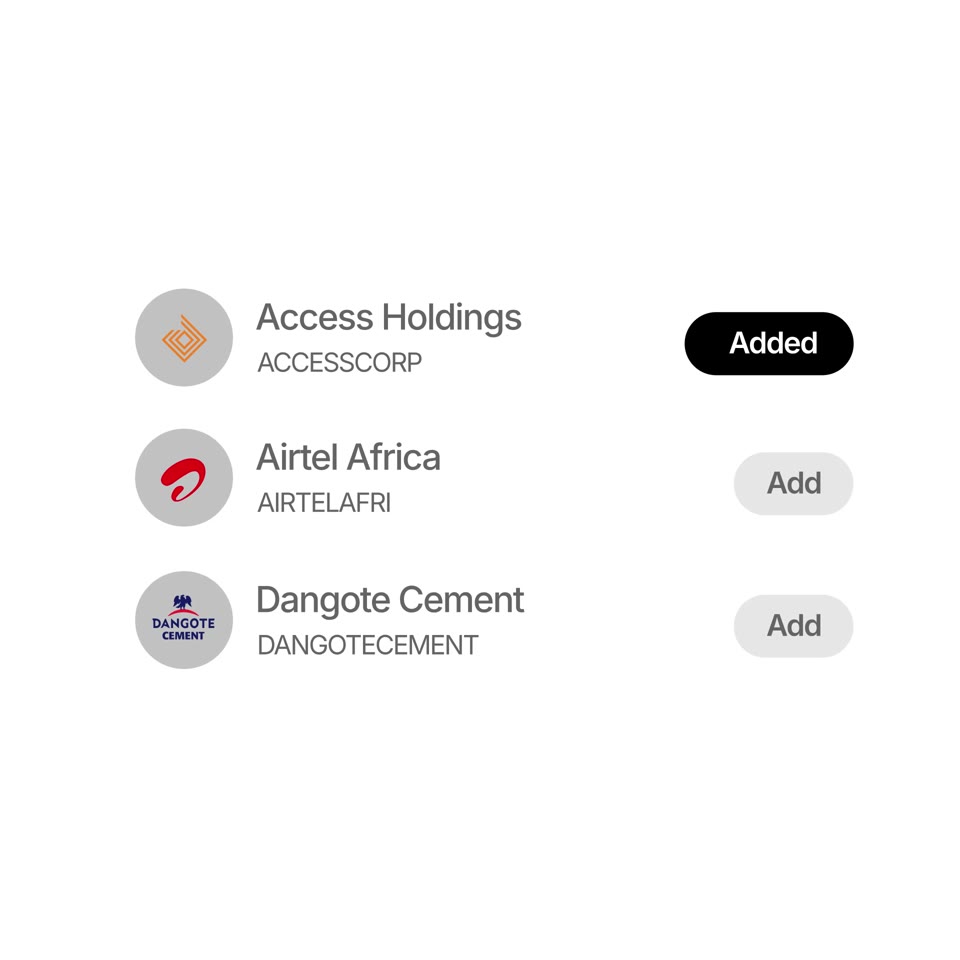
Multiple choices
Show each choice joining the selected set.
Single action
Give one action a direct, visible response.
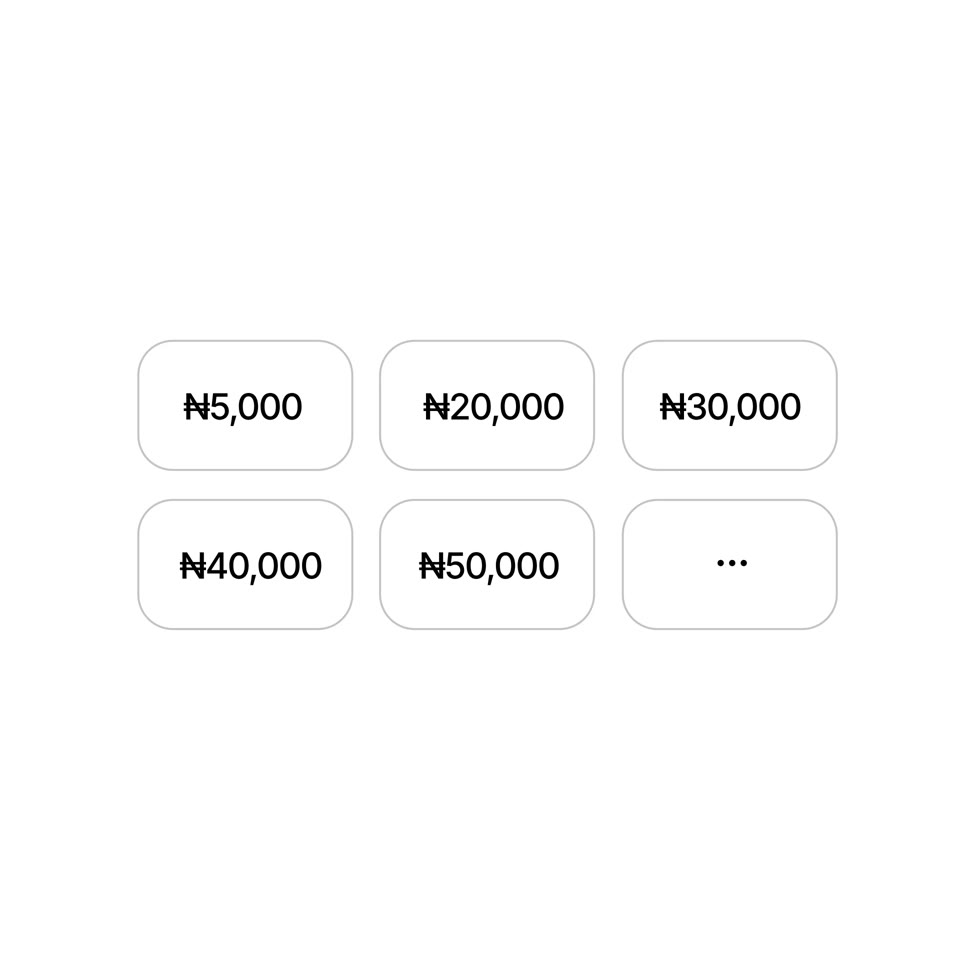
Value choice
Make the chosen amount distinct from the other options.

On / off
Show the control settling into its active or inactive state.
Brand signature
The Equidux signature is a brief moment of recognition. Its movement brings together a clear purpose, a fluid rhythm, and a natural sense of arrival. Keep that character consistent wherever the identity appears, with or without sound.
Let the mark remain the focal point. Give its arrival room to register and allow the finished identity to hold before the sequence ends.
Equidux signature
The Equidux identity, brought to life in a short signature sequence.