
Motion
Our motion language is grounded in human-centered movement inspired by digital gestures, like scrolling and swiping, and the real world, like the motion of stepping into the neighborhood, or tapping a card.

Behaviors
Our motion system is built around three core behaviors that reflect how people naturally move, explore, and exchange value.
Inspired by everyday interactions—both digital and physical—these behaviors provide a flexible framework for creating motion that feels intuitive, expressive, and grounded across brands, products, and experiences.

Explore
Movement creates space for discovery.

Experience
Motion grounded in everyday gestures.
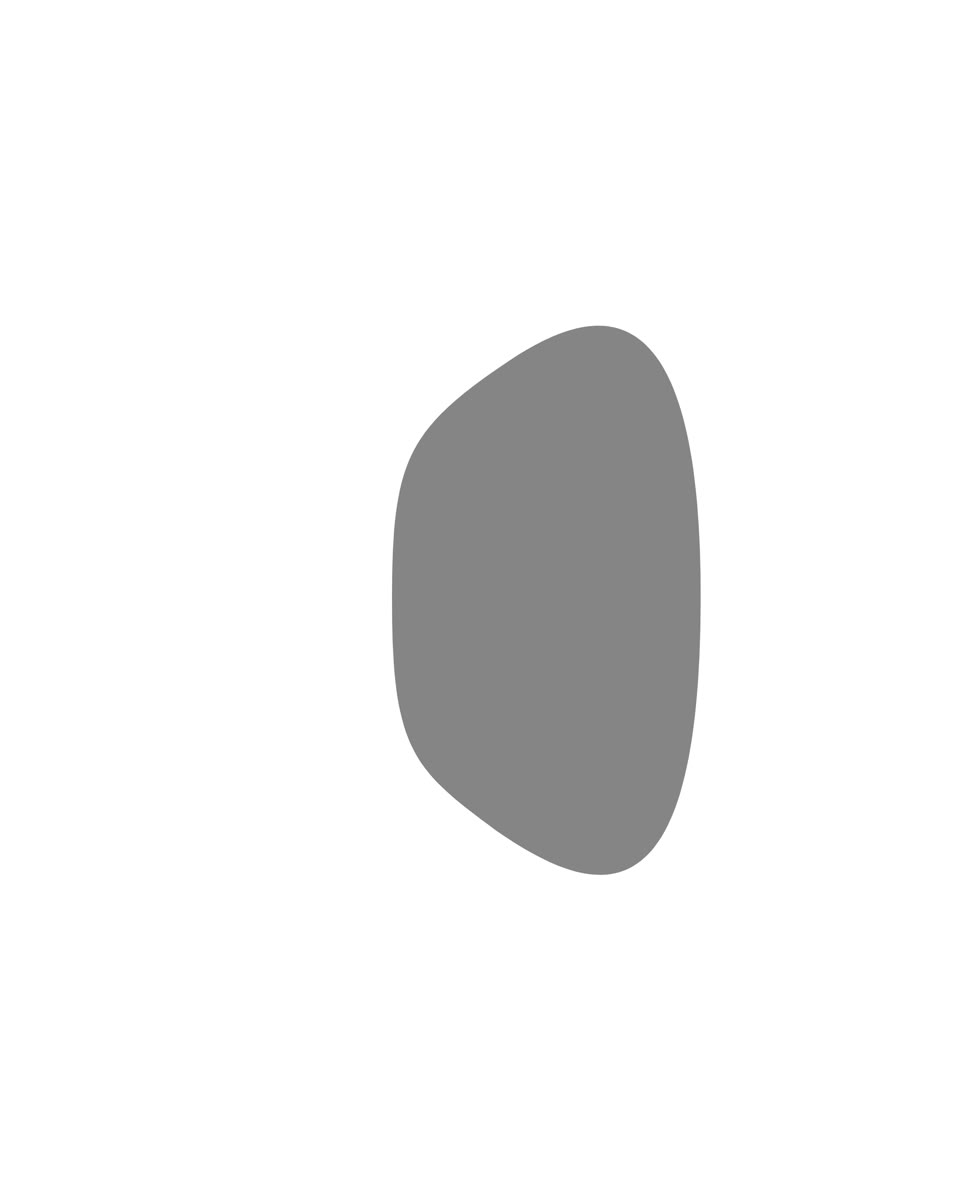
Exchange
Exchange represents the flow of value between people, businesses, and ideas.
Principles
Motion principles ensure that movement is clear, intentional, and always in service of communication, not decoration. By prioritizing clarity, consistency, and human relevance, motion becomes a functional layer that guides interaction and strengthens understanding across the ecosystem.
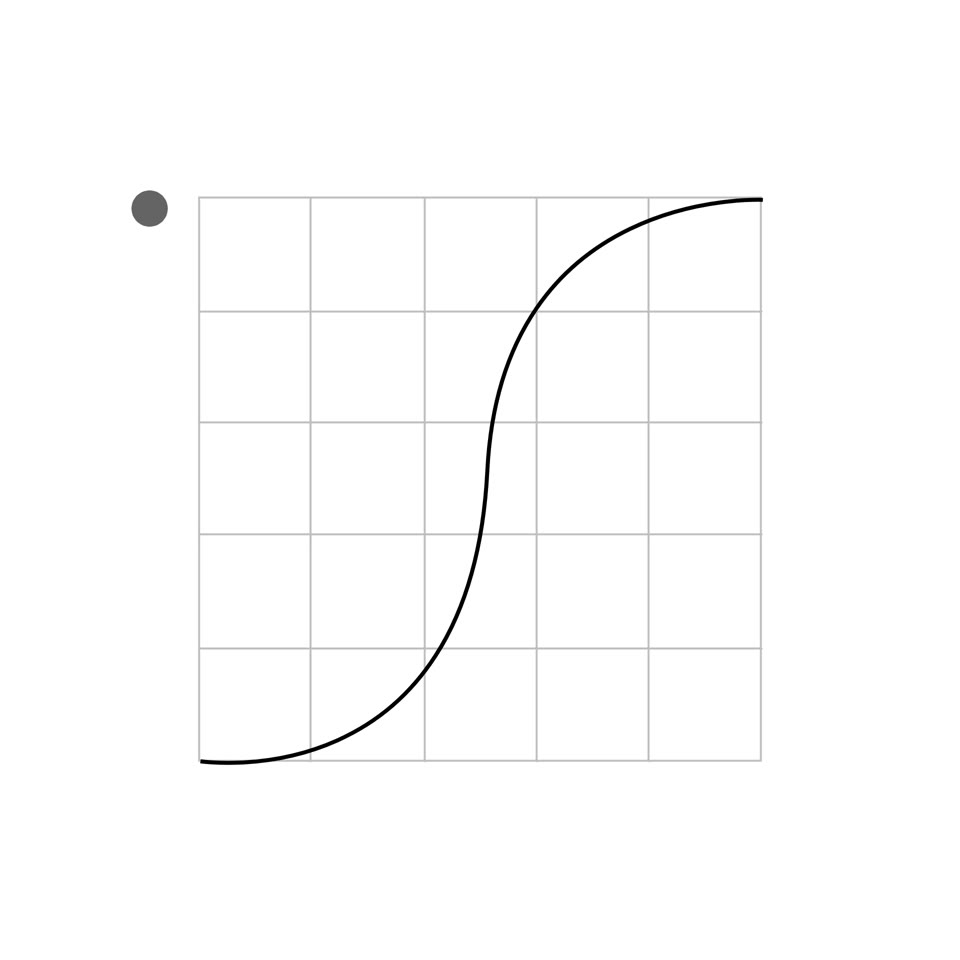
Intentional
Movement has a functional and direct purpose. Motion should be mapped to a real-life experience and energy, never drawing on purely the odd and incidental.
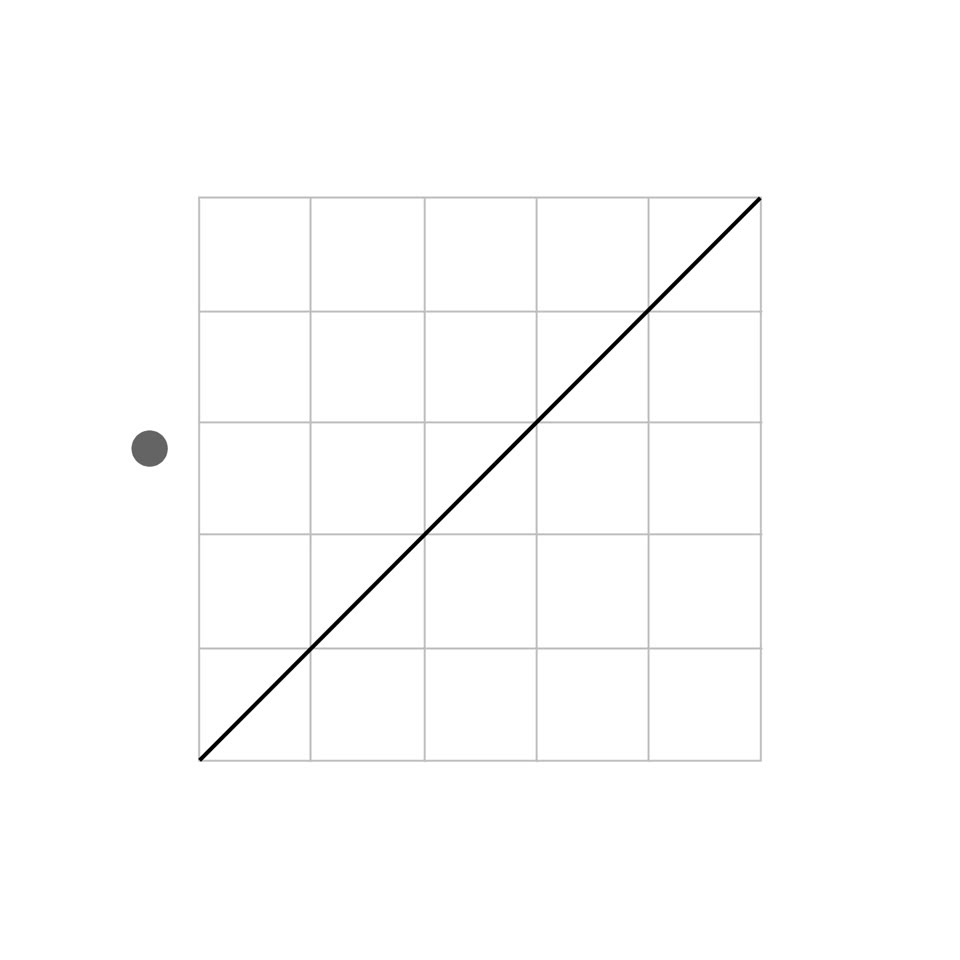
Effortless
Movement that is straightforward and instinctively familiar should be smooth, polished and flowing. Avoid any sense of effort.
Organic
Movement that is expressive and comfortable reinforces physicality. Organic motion can be used to balance more rigid and systematic movements.
Typography
Typography is a major component of motion graphics—ranging from highly functional supers, to more expressive kinetic type. A few guiding rules help establish a framework to bring type to life, while allowing for flexibility when bespoke treatments are needed.

Slide
Type moves into place.

Cut
A direct transition between messages.

Sequence
Words appear one after the other.

Emphasis
Movement directs attention.

Numbers · Sequence
Values change in sequence.

Numbers · Slide
Values move into place.
Representing the UI
Motion in this section is used to demonstrate product features for storytelling, not to define in-product behavior. Rather than mirroring the product exactly, motion clarifies the story and guides the viewer through each step. In the absence of visible taps or cursors, motion represents user actions and helps orient the experience.
Macro
Macro motion is used to communicate progression between screens and major states—helping the viewer understand where they are in the experience and what’s changing from moment to moment.

Change
Movement between states.

Next
Progression through the experience.
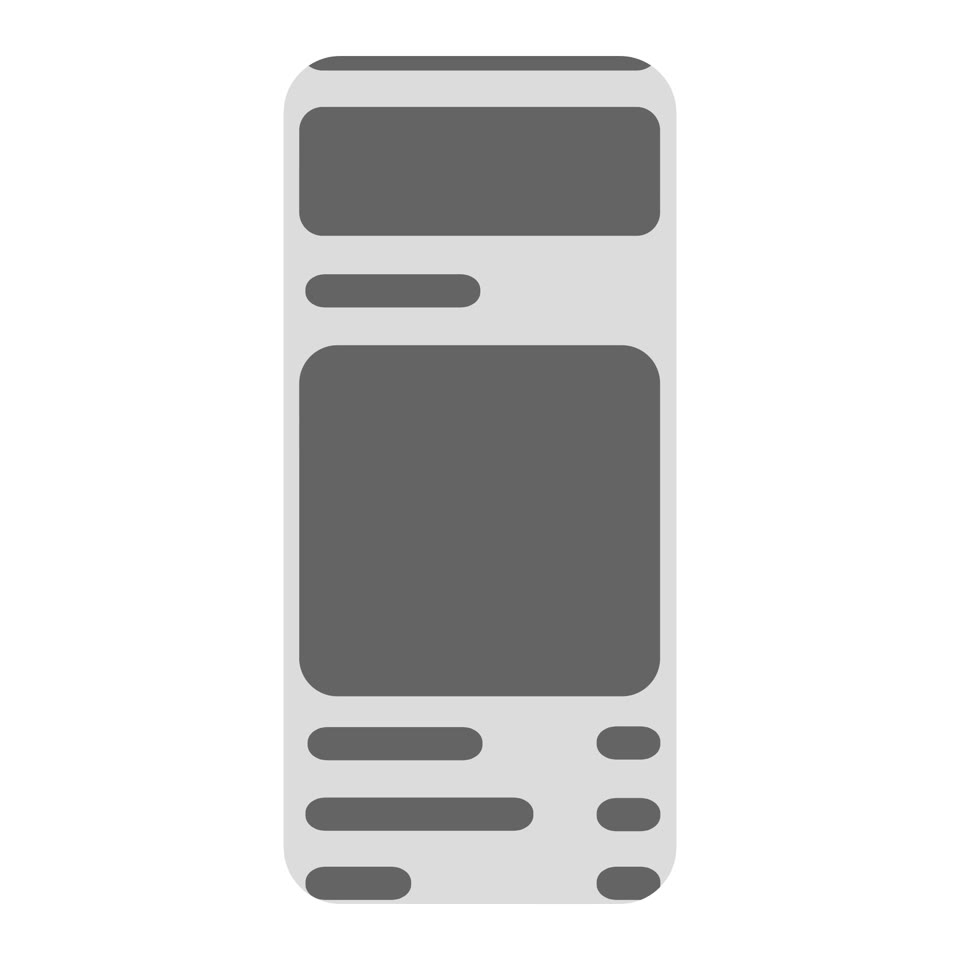
Scroll
Movement reveals more content.
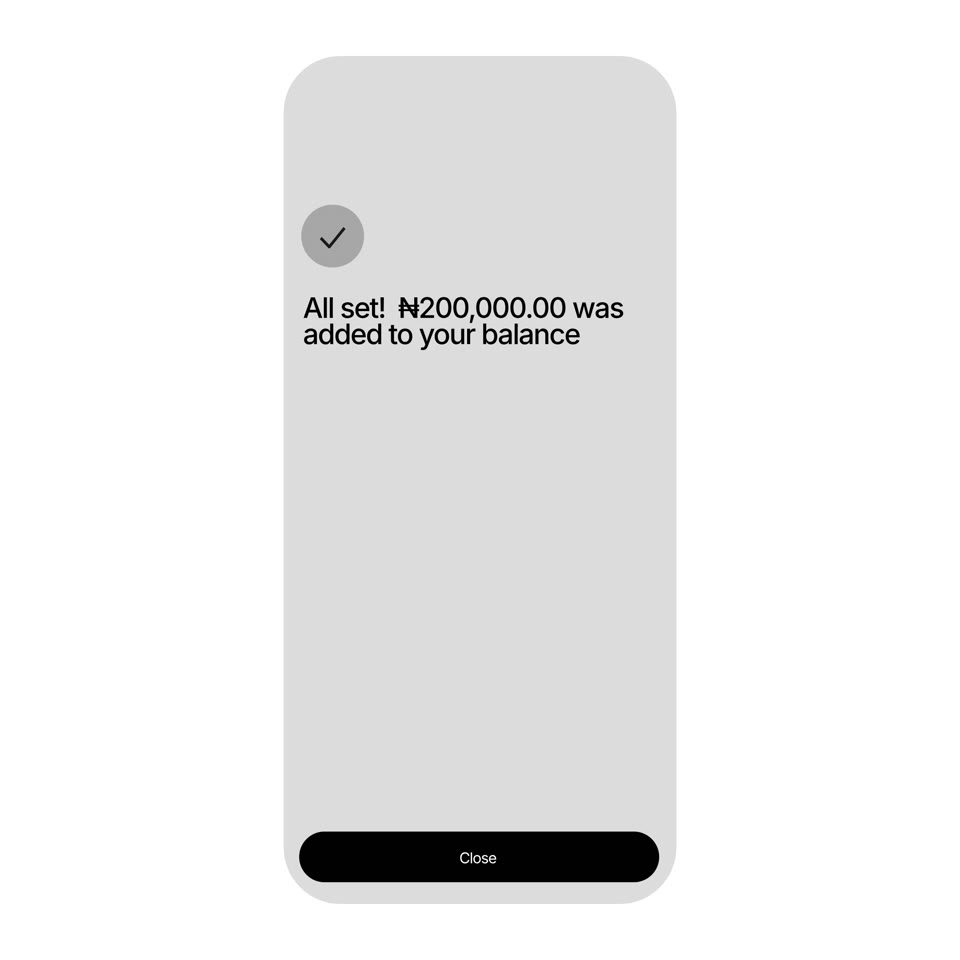
Confirm
Feedback completes the action.
Micro
Small interactions communicate selection, action, and changes in state.
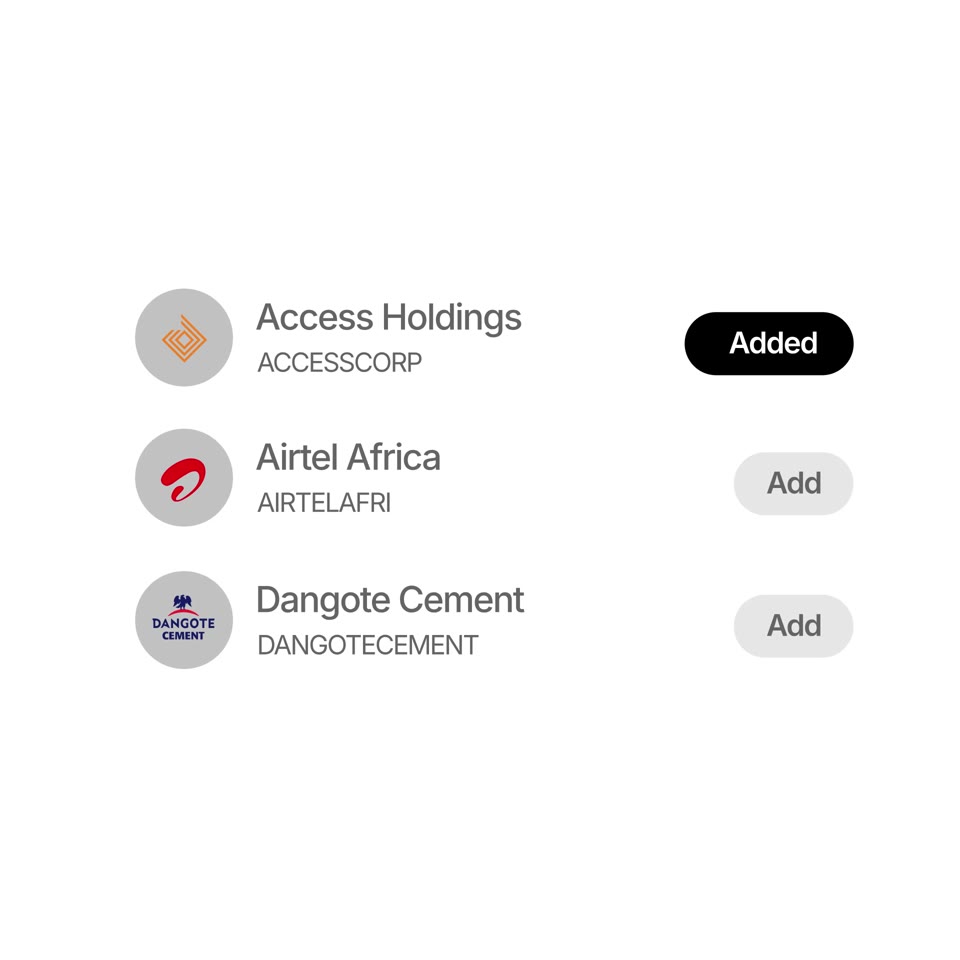
Multi-select
Pressing multiple buttons.
Option
Pressing a single button.
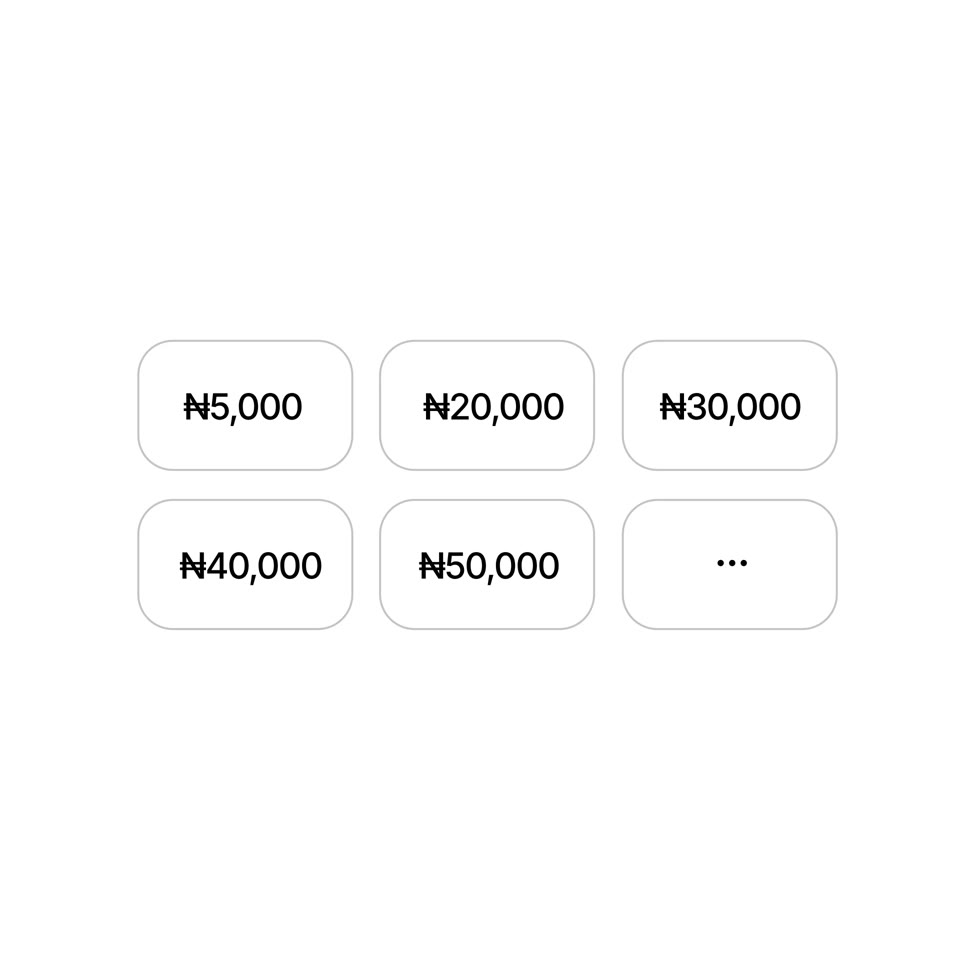
Selection
Choosing a value.

Toggle
Switching on and off.
Logo
The way our logo moves should be just as consistent as the way our logo appears graphically. Our logo animation distills our motion principles—intentional, direct, and organic—into a mnemonic device that can work short form, with and without form of audio.
The behavior of our logo, moving upward into place without adornment, embodies its radical simplicity.
Primary logo animation
A simple, recognizable expression of Equidux in motion.